Introduction
Consideration of the importance of digital security of this very moment, there is one method of attack which still remains in the online system as a threatening method: the brute force attack. A method in itself, brute force attacks are carried out by systematically guessing the login credentials or the encryption key or the API tokens until it is discovered. It might sound primitive but actually, brute force attacks highly work in situations when sufficient protection mechanisms are lacking. As such, it becomes imperative to understand ways of preventing brute force attacks for both website and application managers as well as for users of digital services.
Websites for small businesses or enterprise systems face potentially serious threats from brute-force attacks. Unauthorized access, data theft, account takeovers, or even total system compromises can all stem from such an attack. What makes brute-force attacks very perilious is the fact that they are simple: no zero-day vulnerabilities, just time, computing power, and access to a login form. The good news is that there are many extremely established and practical ways to thwart attacks of this type. The following will describe these methods in simple language for use by developers, administrators, and business owners to proactively protect their systems.
Account Lockout and Rate Limiting
How Account Lockout Prevents Repeated Login Attempts
Locking accounts from gaining access to an account due to a number of failed login attempts is one of the most straightforward and effective defenses against brute force attacks. This temporary ban from the login of user accounts usually happens after three to five failed attempts. Such bans can be applied for a few minutes or up to an administrator’s discretion, depending on how sensitive the system is. This method is good at stopping the automated attacks because they continuously guess at combinations until they get the right one.
As a brute force script tries a thousand passwords on an account, a lockout system will right away interrupt that process. It has two-fold advantages: it diverts the present attack and will discourage the same perpetrator from trying again knowing that the system has a check in place. But then, there is usability alongside the security. Too long a lockout duration frustrates the genuineness of users who can’t get into their accounts simply because they actually forgot their passwords. Apart from those, and much more useful, would be other notifications like email when one is locked out so that end-users keep informed and signal that an attack could also be going on in the user account.
Why Rate Limiting Stops Automated Abuse
Rate limiting can also serve as a very effective deterrent that can delay or completely block an attack by brute force. This type of attack restricts the number of login attempts a user could make to a login page within a given time window. For example, a rate limiter may define the login attempts from the same IP address to a maximum of five attempts per minute. Thereafter, attempts can either be continued to be blocked or delayed. While account lockout is specific to a user, rate limiting can be generalized to target all IPs or device signatures.
The wonder of rate limiting is that it works on failure and success attempts thereby making it unlikely that a script can carry run through credentials at such high speed. Also, a good logging-and-alerting combination is possible with rate limiting to pick suspicious activities and arch their vaults and activate additional security measures, such as a CAPTCHA or multi-factor authentication. On the other hand, poorly executed rate limiting has the potential to bring about a bad user experience, such as in shared IP environments or mobile devices that frequently reconnect. Striking the right balance isn’t easy; the idea is to frustrate attacks, but not to the extent that it prevents legitimate users from using the site.
Multi-Factor Authentication (MFA)
How MFA Adds an Extra Security Layer
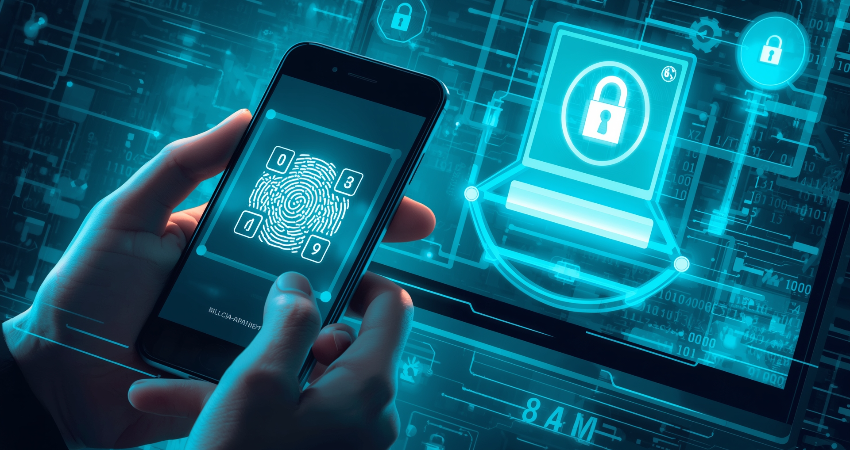
Brute force attacks are hardly circumvented by one of the strongest defensive mechanisms: Multi-Factor Authentication (MFA). The assumption for a conventional login is simply the name and password, whereas MFA prompts a second-necessary to authenticate the user-either a possession (something the user has-a smartphone, preferably) or an attribute (something the user is-a fingerprint). All said, even if an attacker were brute-forcing the password, the MFA would add another layer that simply would not allow an attacker to succeed.
For instance, even with a correct password on the login screen, an attacker must also enter a one-time code sent via SMS or the user’s authentication app, or a biometric scan. Brute force attacks focus on attempting to crack the victim’s static password, so with MFA, these are generally futile. Various forms of MFA should now be offered on all modern platforms, and enabling this basic feature can mitigate the possibility of an unauthorized intrusion by as much as 90%. Anyone who implemented this framework of security could generate the maximum impact with minimum effort on behalf of the business or personal customers.
Challenges and Best Practices for MFA Implementation
Though multiple factors provide more security, the disadvantages also exist. The most common complaint about the use of MFA is that usage is shunned by users as they may see it as too annoying or unnecessary. Besides, if MFA is dependent on only SMS messages, they would also be vulnerable to hackers’ SIM-swapping attacks-they are successful in hijacking the mobile number of the user and then intercepting codes sent to the original device. Moreover, system dependability is another potential challenge; if the authentication server is inaccessible or if the users cannot access any of their second factors, such as losing their phone, then they might face account lockout.
One way to alleviate these challenges is to ensure that the organization adheres to best practices in its use of MFA. This may include using authentication apps such as Google Authenticator or hardware keys such as YubiKey. All users must always have back-up codes or some other method to regain access in the event they may lose their primary second factor. Furthermore, they need to learn the reasons why it is important to have MFA so their numbers could increase. This is how organizations can enjoy the potency of security attached to MFA but with minimum disturbances and vulnerabilities to the system.
CAPTCHA and Bot Detection Tools
The Role of CAPTCHA in Stopping Bots
CAPTCHA, an acronym for Completely Automated Public Turing Test to Tell Computers and Humans Apart, is an established and far-reaching approach to hampering the march of automated brute-force attacks. When placed on login forms, CAPTCHA offers a challenge-finding images or typing distorted text-that humans can accomplish far more easily than any bot could. This feature therefore poses a valid block to brute-force scripts that typically depend on speed and mass repeated login attempts without human intervention.
With the introduction of more advanced techniques under its belt, like Google’s reCAPTCHA, it is now even able to function by analyzing movement patterns from individual users on the site, including mouse movements and typing speed, to conclude whether a real person is interacting with the interface. It’s clear that these challenges up the ante or at some point make them impossible to access entirely when they are found to be incorrect. Though CAPTCHAs would not be very effective against automated attack tools, they definitely curtail their success rates and thus are part of the layers of security. Indeed CAPTCHAs are quite simple and yield higher than average success rates, and have become a popular and proven means for closing access to login portals.
Balancing CAPTCHA Use With User Experience
Enforcement of CAPTCHA does block brute force attacks; however, excessive use of it can be a severe degradation of user experience. Users are easily frustrated by constantly being made to perform CAPTCHA challenges, especially the disadvantaged or persons with disabilities on working with slow connections, while in some scenarios CAPTCHA may act as a deterrent with respect to successful completion of the login process. The main idea is the judicious and restrained use of CAPTCHA-involving the mechanism only after some fixed number of unsuccessful logins or in a condition perceived as suspicious.
Invisible CAPTCHA is another good option, as it presents no challenge to users unless it has no other alternative. This approach uses behavioral analytics and background checks to determine when to intervene. Considering accessibility is also key. Today, many CAPTCHAs include audio alternatives or simpler challenges for persons unable to see clearly. CAPTCHAs give the user negligible inconvenience when well tuned due to their good level of protection. What they talk about is that fine balance between usability and security.
Password Policies and Credential Hygiene
Enforcing Strong Password Requirements
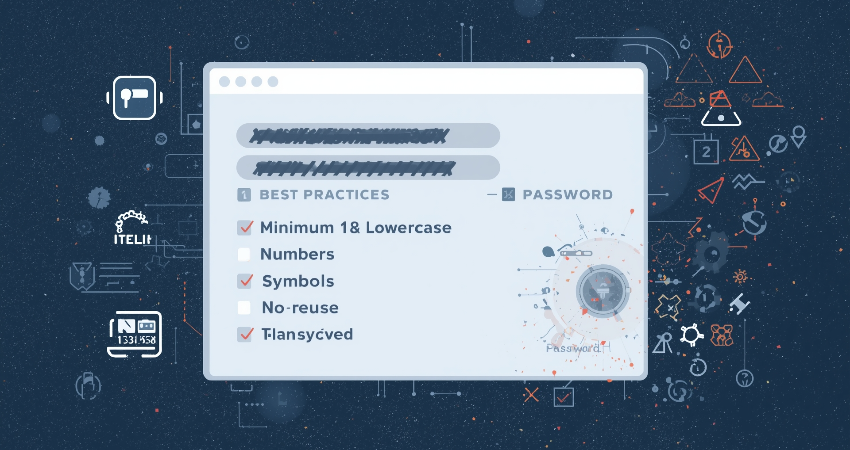
A strong password is the only firewall against brute force entering. If users can set passwords like “123456” or “password,” measures will fail. Introducing strong password policies, like uppercase and lowercase letters, numbers, symbols, and at least some length, makes brute force attempts exponentially tougher to crack: every character added to a password multiplies tremendously the fairly huge number of combinations that an attacker would have to try.
Most present-day platforms incorporate some mechanism that measures the strength of a password in real time and guides users in entering resources. Another recommendation is that systems should reject a very commonly used password, that appear in leaked databases of passwords. Rotating the expiry policies and compulsory password change after a certain period on suspicion of breach would also limit exposure. Though it may be debated how often passwords should be rotated, there is almost universal agreement on the following: weak reused passwords present a serious vulnerability that must be addressed under strict enforcement and user education.
Promoting Good Credential Hygiene and Storage
Even when consideration is given to the development of strong password policies, they may still be rendered ineffective by bad credential hygiene. Most users tend to reuse passwords across multiple sites, which means that breaching one site may compromise accounts on another site. Perhaps you should encourage users to adopt password managers, which create and store long, complex, and unique passwords for each site to free-up minds and foster more secure behavior in general.
Businesses, on the other hand, should always hash stored passwords securely—for instance, using bcrypt or Argon2 hashing algorithms. Storing passwords in plaintext or using weak hashing schemes such as MD5 for password protection are unacceptable days. Salt and pepper password protection techniques have gone a long way in hindering retrieval through brute force on compromised databases. To further increase safety levels, security audits and exposure checks for credentials audit can also be carried out. In the end, a good combination of strong password practice and secure storage serves as the foundation for all defense theories against brute force attacks.
Conclusion
Even if brute force attacks look simple, their repercussions can be dire, involving anything from a data breach to the whole takeover of a system. Fortunately, these are all eminently manageable risks, and a host of well-known techniques exist to counter them. Combining measures such as account lockout, rate limiting, multi-factor authentication, CAPTCHA, and a strict password policy creates the layered defense that stops brute force attacks at various entry points.
While none of these solutions work singularly, their combination builds a formidable wall against their automated login abuse. Technology is on one side; so on the other side, methods of attacking. This makes it necessary to keep testing, monitoring, and updating your security policy. No matter their role-as developers, system administrators, or business owners, practicing and understanding these common techniques will save your digital assets and users` safety in great measure.